
Browser Extensions That Find Coupon Codes Automatically: A Practical Overview
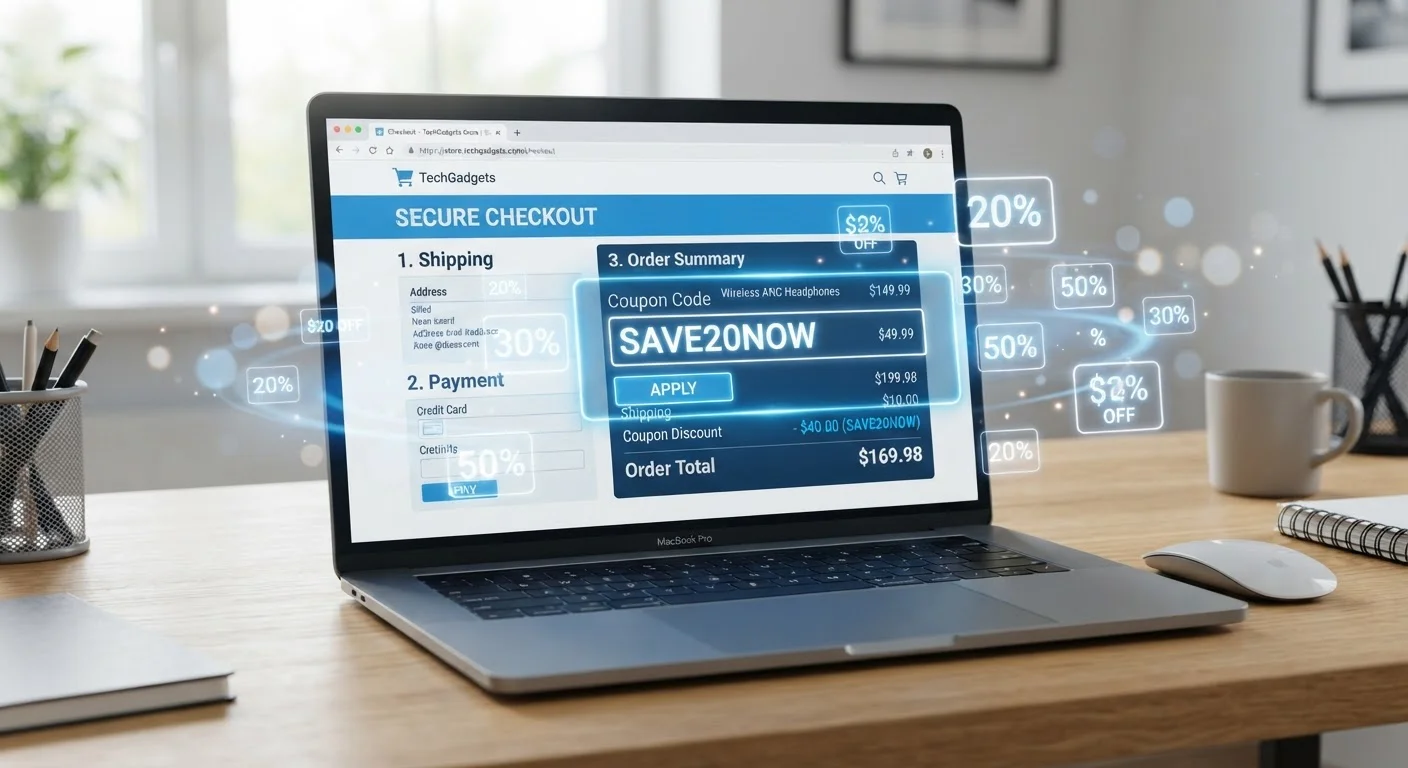
Photo credit: ResultsRover.com | Insights You Can Trust
In this article
Several browser tools apply coupon codes at checkout for you. Here's how they work, what they track, and what to consider before installing one.
Key Takeaways
- Auto-coupon browser extensions test available promo codes at checkout and apply the one that saves the most.
- Most extensions collect browsing and purchase data in exchange for this convenience — read privacy policies carefully.
- Extensions work best as a supplement to your existing savings habits, not a replacement for price comparison.
- Some extensions also offer cash back, but terms, retailer coverage, and payout rules vary significantly.
- You can uninstall these tools at any time if the privacy trade-off no longer feels worth it.
Applies codes automatically without manual searching
The extension handles code lookup and application at checkout, removing the need to open separate coupon sites or copy-paste discount strings during a purchase.
Tests multiple codes to find the largest discount
Rather than applying a single code at random, most extensions cycle through their full database and select whichever code produces the greatest price reduction.
Often includes price history and drop alerts
Beyond codes, many tools show a product's price over time so you can judge whether a current price is genuinely low, adding context beyond the checkout moment.
Works across a broad range of retailers
Major extensions typically support hundreds of retailers, meaning you don't need to remember which sites might have active codes on any given day.
Free to install and use
These tools cost nothing to the consumer directly; their revenue comes from affiliate commissions and, in some cases, data licensing rather than subscription fees.
Collects substantial browsing and purchase data
To function, extensions require access to page content at checkout and often across all browsing sessions, which means your shopping behavior becomes part of the provider's data set.
May void cash-back portal earnings
If you're relying on a separate cash-back portal's affiliate link, an extension that inserts its own affiliate tag can override that session and eliminate your expected cash-back credit.
Code databases can be incomplete or outdated
Not every retailer is covered, and codes in the database may be expired, store-specific, or produce only marginal savings compared to discounts available through other channels.
Affiliate model creates potential conflicts of interest
Extensions may prioritize codes tied to higher affiliate commissions rather than the single best available discount, a trade-off that isn't always transparent to the user.
Can create a false sense of deal assurance
Knowing an extension is running can make shoppers feel covered when the best savings might require additional steps — like waiting for a sale or comparing prices across retailers.
Browser performance can be affected
Extensions that actively monitor page content on every site can incrementally slow browser performance, particularly on older devices or when multiple extensions run simultaneously.
How These Extensions Actually Work
Auto-coupon browser extensions operate by monitoring when you reach a checkout page at a supported retailer. At that point, the extension pulls a list of known promo codes from its database, tests them one by one in the discount code field, and automatically applies whichever one produces the largest discount. The whole process typically takes a few seconds.
The databases these tools draw from are built through a combination of user submissions, retailer partnerships, web scraping, and affiliate relationships. That last point matters: when an extension applies a code, it often tags the session with an affiliate identifier, which means the extension provider may earn a commission on your purchase — separate from any savings you receive.
To understand how these tools fit alongside other discount mechanisms, see how coupons, promo codes, and cash back each work. These are distinct systems, and extensions typically only address one piece of the picture.
The Advantages Worth Knowing
Applies codes automatically without manual searching
The extension handles code lookup and application at checkout, removing the need to open separate coupon sites or copy-paste discount strings during a purchase.
Tests multiple codes to find the largest discount
Rather than applying a single code at random, most extensions cycle through their full database and select whichever code produces the greatest price reduction.
Often includes price history and drop alerts
Beyond codes, many tools show a product's price over time so you can judge whether a current price is genuinely low, adding context beyond the checkout moment.
Works across a broad range of retailers
Major extensions typically support hundreds of retailers, meaning you don't need to remember which sites might have active codes on any given day.
Free to install and use
These tools cost nothing to the consumer directly; their revenue comes from affiliate commissions and, in some cases, data licensing rather than subscription fees.
The most practical benefit is passive savings. You don't have to search coupon aggregator sites, copy codes, or remember to apply them. For shoppers who buy online frequently but don't want to invest time in active deal-hunting, that friction reduction is genuinely useful.
Many extensions also include price-tracking features that alert you if an item's price drops after purchase, or show price history charts so you can judge whether a listed price is actually a deal. That's a meaningful add-on that goes beyond simple code application. For a broader picture of deal-finding strategies, the complete roadmap to using deals and coupons effectively covers timing, stacking, and more.
The Disadvantages You Should Weigh
Collects substantial browsing and purchase data
To function, extensions require access to page content at checkout and often across all browsing sessions, which means your shopping behavior becomes part of the provider's data set.
May void cash-back portal earnings
If you're relying on a separate cash-back portal's affiliate link, an extension that inserts its own affiliate tag can override that session and eliminate your expected cash-back credit.
Code databases can be incomplete or outdated
Not every retailer is covered, and codes in the database may be expired, store-specific, or produce only marginal savings compared to discounts available through other channels.
Affiliate model creates potential conflicts of interest
Extensions may prioritize codes tied to higher affiliate commissions rather than the single best available discount, a trade-off that isn't always transparent to the user.
Can create a false sense of deal assurance
Knowing an extension is running can make shoppers feel covered when the best savings might require additional steps — like waiting for a sale or comparing prices across retailers.
Browser performance can be affected
Extensions that actively monitor page content on every site can incrementally slow browser performance, particularly on older devices or when multiple extensions run simultaneously.
The privacy trade-off is the most significant concern most shoppers underestimate. To function, these extensions need access to your browsing activity — including which products you view, which sites you visit, and what you purchase. That data has commercial value, and extension providers generally use it in ways disclosed in their privacy policies but rarely in ways most users actually read.
There's also a reliability gap. Extension databases don't always have current or valid codes for every retailer. A code that applies may save only a small percentage when a better discount was available through a different channel — or the extension may apply a stacked code that actually violates a retailer's terms. And be aware that coupon tools of any kind can nudge you toward purchases you didn't plan to make.
Affiliate Tagging and Cash Back: A Key Conflict
Many auto-coupon extensions earn revenue by tagging your purchase session with an affiliate code. If you're also using a cash-back shopping portal, both systems compete to claim credit for your purchase — and only one wins. Before using both simultaneously, check each tool's documentation to understand which takes precedence and whether there's a way to separate their use by session or by retailer.
What to Check Before You Install One
Before adding any extension to your browser, review its privacy policy with specific questions in mind: What data is collected? Is browsing history sold or shared with third parties? Can you opt out of data collection while keeping the savings features? The answers vary significantly between tools.
Also check whether the extension's affiliate model conflicts with other cash-back programs you use. Some cash-back portals — where you click through to a retailer to earn a percentage back — can be overridden or voided if an extension inserts its own affiliate tag at checkout. Running both simultaneously may cost you the cash-back credit you expected.
For shoppers newer to navigating these layers of deals, getting started with coupons and deals provides a grounded starting point. And if you want to stay alert to the broader tactics retailers use at checkout, shopping traps that catch even careful buyers off guard is worth reading alongside this overview.
This article is for general informational purposes only and does not constitute financial advice. Savings outcomes depend on individual circumstances, retailer policies, and available offers, which change frequently. Always review an extension's privacy policy and terms of service before installing.

Author
Smart Shopping Editorial Team
Smart Shopping Editorial Team is the collective byline for our editorial team and contributor network. Articles published under this byline or an editorial pen name are researched, written, and reviewed according to our editorial standards for clarity, consistency, and independence before publication.
View all articles →